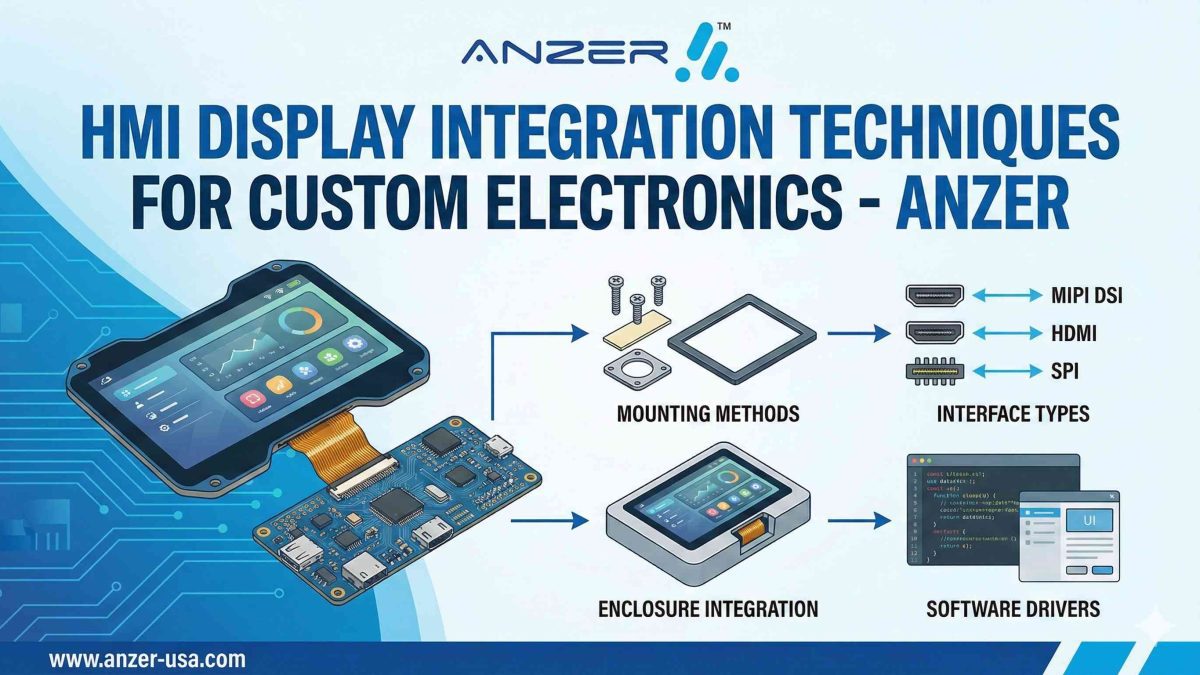
HMI Display Integration Techniques for Custom Electronics -Anzer
Welcome to the world of custom electronics. In this place, having the right interface can really make a big difference. A Human-Machine Interface (HMI) display connects your user and your product. Now, people want easy and quick touch screen interactions when they use a device. Adding a custom HMI display is not a luxury anymore. It is a must if you want to build a good and user-friendly device.
This guide will show you the most important ways to bring the perfect HMI into your project.
Table of Contents
Key Highlights
- Choosing the right HMI display technology is crucial for the success of your custom electronics.
- A custom HMI enhances the user experience by offering tailored functionality and design.
- Key integration factors include display type, touch screen technology, and environmental conditions.
- Customized HMI solutions can be designed for durability, even in rugged outdoor applications.
- Working with a single source for development and manufacturing streamlines the supply chain.
- Properly integrated display solutions ensure better readability, usability, and brand differentiation.
Key Considerations for Integrating HMI Displays in Custom Electronics
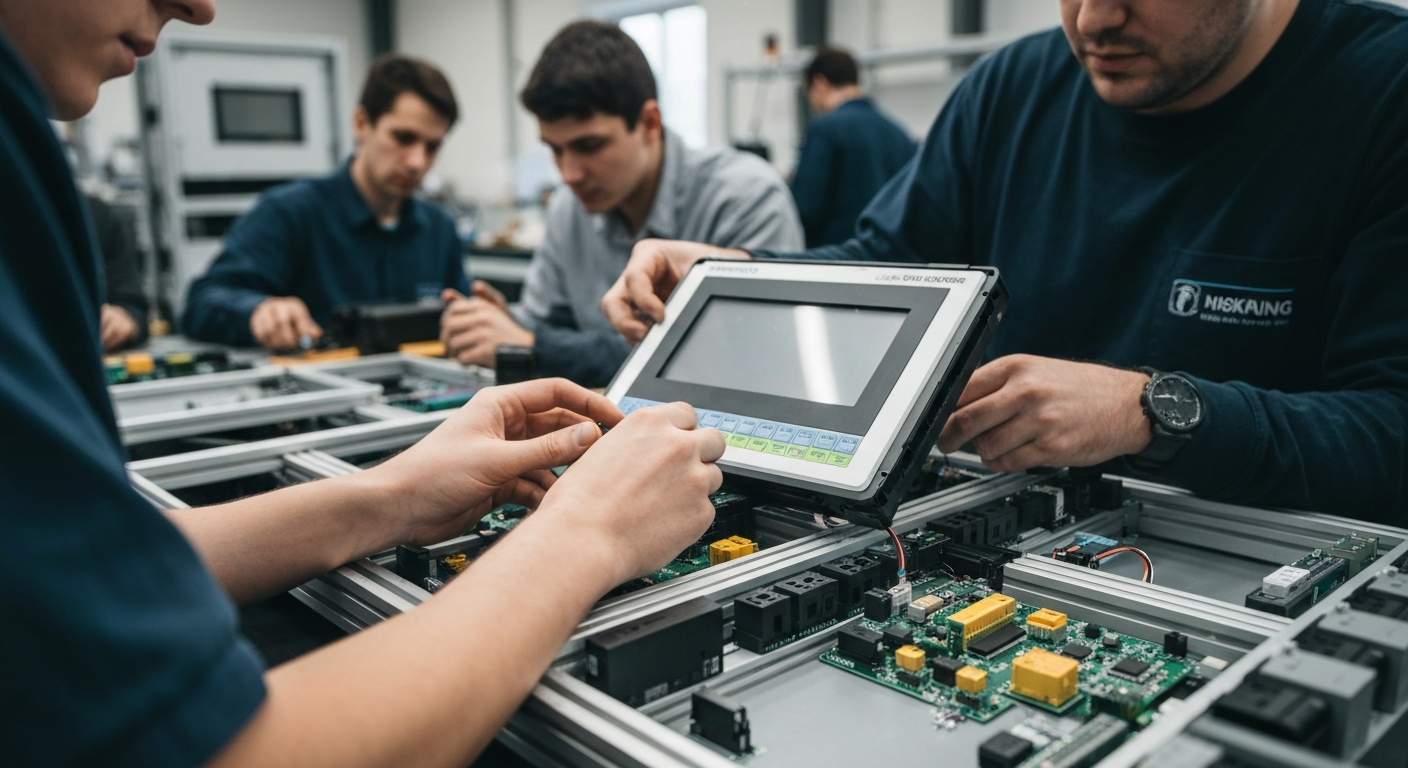 When you start to plan HMI integration, it’s good to think about the end-user first. What will their time using it be like? You should also think about where the product will be used. This will help you pick the best choices for things like durability and how bright the screen needs to be. The amount of customization you want will guide what you choose, too. You can pick the best screen size and shape, and also pick interfaces like CAN or USB.
If you set up these needs early, you get the right display modules and make everything easier to build. A clear plan about the HMI’s functionality and user experience will stop big changes later that might cost you more. This first step is important if you want an interface that just fits and works well with your product. Now, let’s look at how to pick the right technology and what features to use.
Selecting the Right HMI Display Technology
Choosing the best HMI display depends on what you need. You have options like TFT, OLED, or a basic LCD. If you need user input, a resistive touch screen is a good and strong choice. It is also not very expensive, so it works well in many jobs. The type of technology you pick should match what your product needs to do and the place where it will be used.
If you use your device for outdoor applications, you need to think about readability in direct sunlight. Optically bonded screens are brighter than air-bonded screens. This means you can see them better when it is sunny and bright. Making this choice will help people use your HMI and will make them happier with it.
You should also look at the software you need. You might want a certain operating system, like a custom version of Linux. Some partners can also give you a full board support package. This way, your team gets the tools it needs to work on and update the software by itself. This also makes your supply chain simpler and gives you more freedom in the long run.
Essential Features for Enhanced Usability and User Experience
Good user experience is about more than a nice screen. The HMI should be easy to understand and quick to use. Custom widgets help people control things and see details fast. This makes the device simple for anyone. A front end that is made well also helps users feel like every step is smooth and fast.
Think about the way a person would use the product each day. For smart home things or machines at work, the device must be tough and clear to see. Making the right modifications turns a basic display into something much better. Keep these important features in mind:
- High Readability: Brightness films and special bonding help users see the display well in many lighting setups.
- Enhanced Durability: Tough glass on top and seals that keep out weather are good for outdoor applications or when things get rough.
- Responsive User Input: Touch screens, either new capacitive types or classic resistive ones, make sure it always works when you touch something.
All of these points work together to give your product a good, strong, and simple-to-use front that people can depend on. This raises the value of the product for everyone.
Types of HMI Displays Suitable for Custom Projects
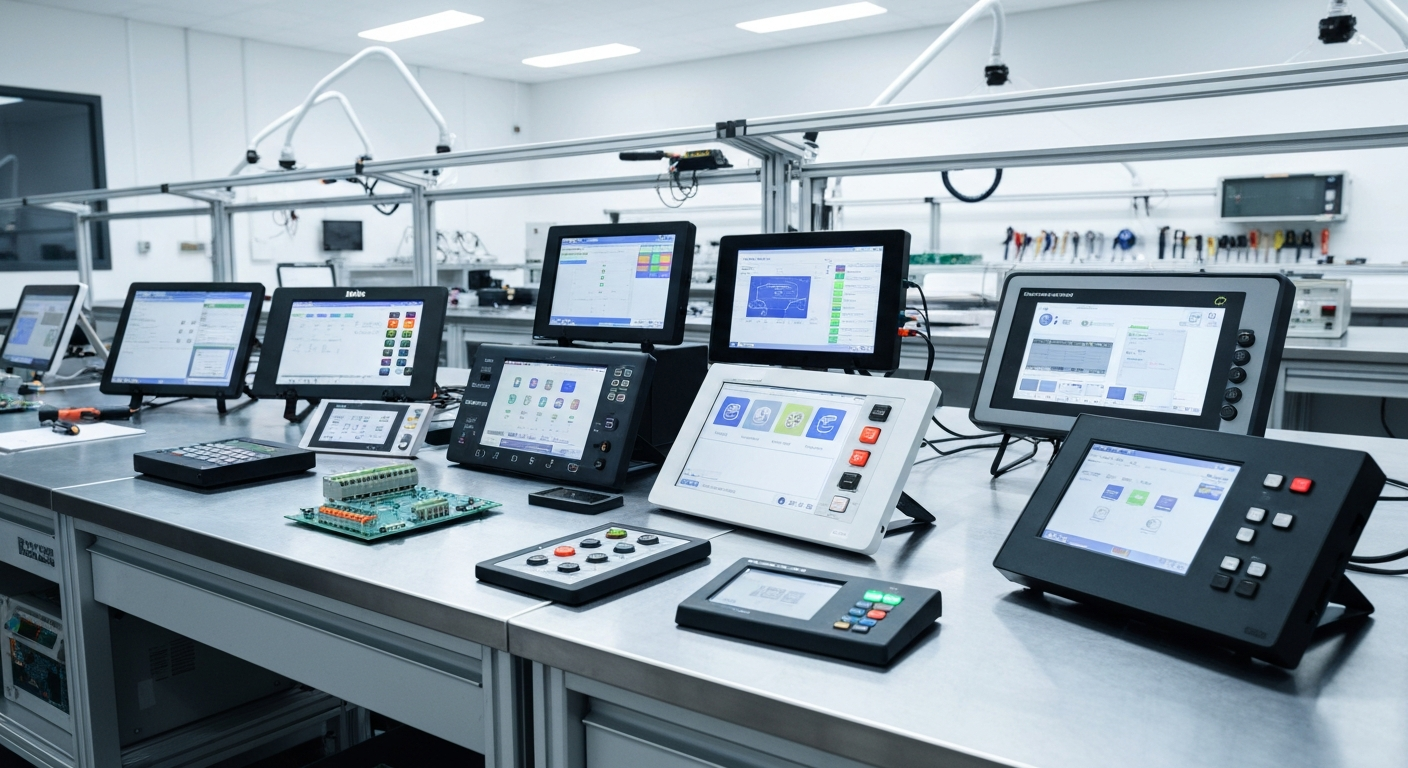 There are many HMI display solutions out there. You can find ones that fit all kinds of custom projects. There are choices like TFT, LCD, LED, OLED, and e-paper. The right one for you will depend on what you need. Think about the brightness, power use, size, and resolution you want. These display modules can be found and changed to fit your design.
With full customization, you get to make display solutions that work together with other parts like keypads, overlays, and electronics. This helps your product look good and last a long time. You want it to match your brand and work well, too. Let’s talk about touch screen choices and see how standard and custom display solutions compare in terms of durability and look.
Touch Screen Solutions for Smart Devices
Touch screen technology is found in many smart devices today. When starting to design a custom HMI touchscreen, the first step is to see what you need. If you need a fast and accurate multi-touch screen for a small handheld device, a capacitive touch screen is likely the one to pick. But if your equipment will be used by people wearing gloves, a resistive touch screen will work better.
After you have picked the right touch screen technology, there are a lot of customization options. You can choose the size of the display modules, the kind of glass you want, and you can even add a scratch-resistant layer to make it stronger and last longer. The touchscreen can come by itself, or it can be a full setup that also has a membrane switch or overlay on it.
Next, the display modules are put into your product. As one example, you can use an optically clear glue to stick the touchscreen right to another layer, which keeps water out and makes it great for use outside. This way of putting everything together helps make sure the HMI, or user input tool, always works well, holds up over time, and fits your needs.
Comparing Standard vs. Customized HMI Displays
Deciding between a standard and a customized HMI display is a critical choice. A standard HMI is an off-the-shelf product that works for general applications and is often more cost-effective upfront. However, it may not perfectly fit your product’s unique size, design, or functional requirements.
On the other hand, a customized HMI is designed and built to your exact specifications. This includes everything from the screen size and shape to the operating system and interfaces. While it requires more initial development, a custom solution provides a seamless fit, enhanced user experience, and a unique brand identity. This approach also simplifies your supply chain by consolidating modifications into one component.
Here’s a quick comparison:
| Feature | Standard HMI | Customized HMI |
|---|---|---|
| Design & Fit | General purpose, may require workarounds. | Tailored to your exact mechanical and design needs. |
| Functionality | Limited to pre-built features. | Includes specific I/Os, interfaces, and software. |
| User Experience | Generic and basic. | Optimized for your specific application and users. |
| Supply Chain | Multiple vendors for modifications. | Single source for a complete, integrated solution. |
Frequently Asked Questions
What are the main challenges in developing custom HMI solutions for electronic devices?
The biggest challenges in making custom HMI solutions are finding the right mix of the features you want and what the hardware and software can do. It is important to make sure all the interfaces work well with each other. You also need to handle the supply chain for getting special parts for the custom HMI. Plus, getting new certifications can make the job even harder for the people working on the HMI. These things make the process of creating custom HMI solutions more complex.
How do modular HMI display integrations benefit custom electronics?
Modular HMI display integrations make things easier for people who are building new products. When you use display modules that be put together for you with the touch panel, you can get things done faster. This way lets you change or customize parts as you need. It also makes the supply chain better. You will also find it simple to connect to many interfaces, and you do not have to start all over again.
Can you share an example of successful HMI display integration in a custom PCB project?
A good example is an HMI display on a fire truck. They put a custom 7-inch touch screen on the truck. The screen connects to the vehicle’s main board with a CANopen protocol. This HMI does the same job as the control panel in the back. The operators can see sensor data and change pump RPMs by just touching the screen. The touch screen makes the user experience much better. It also helps them do their work faster and better.
Conclusion
To sum up, adding HMI displays to your custom electronics is not just about how things look. It makes user interaction better and more enjoyable. When you pick the right technology and features, your projects can meet what today’s users want. You might choose a touch screen or go with a custom HMI display, but knowing the different kinds helps you make better choices. These displays can boost the functionality of your devices, making them easy to use and understand. If you want to move forward with your project, reach out to us today so we can help you!
ANZER is your reliable partner for innovative PCB Assembly and Electronics Manufacturing Services in Ohio, USA. You’re developing a prototype, scaling up to mass production, or requiring specialized assembly—we’re here to deliver precision-crafted, cost-effective solutions. With latest technology and years of expertise, we guarantee products that exceed expectations every time.